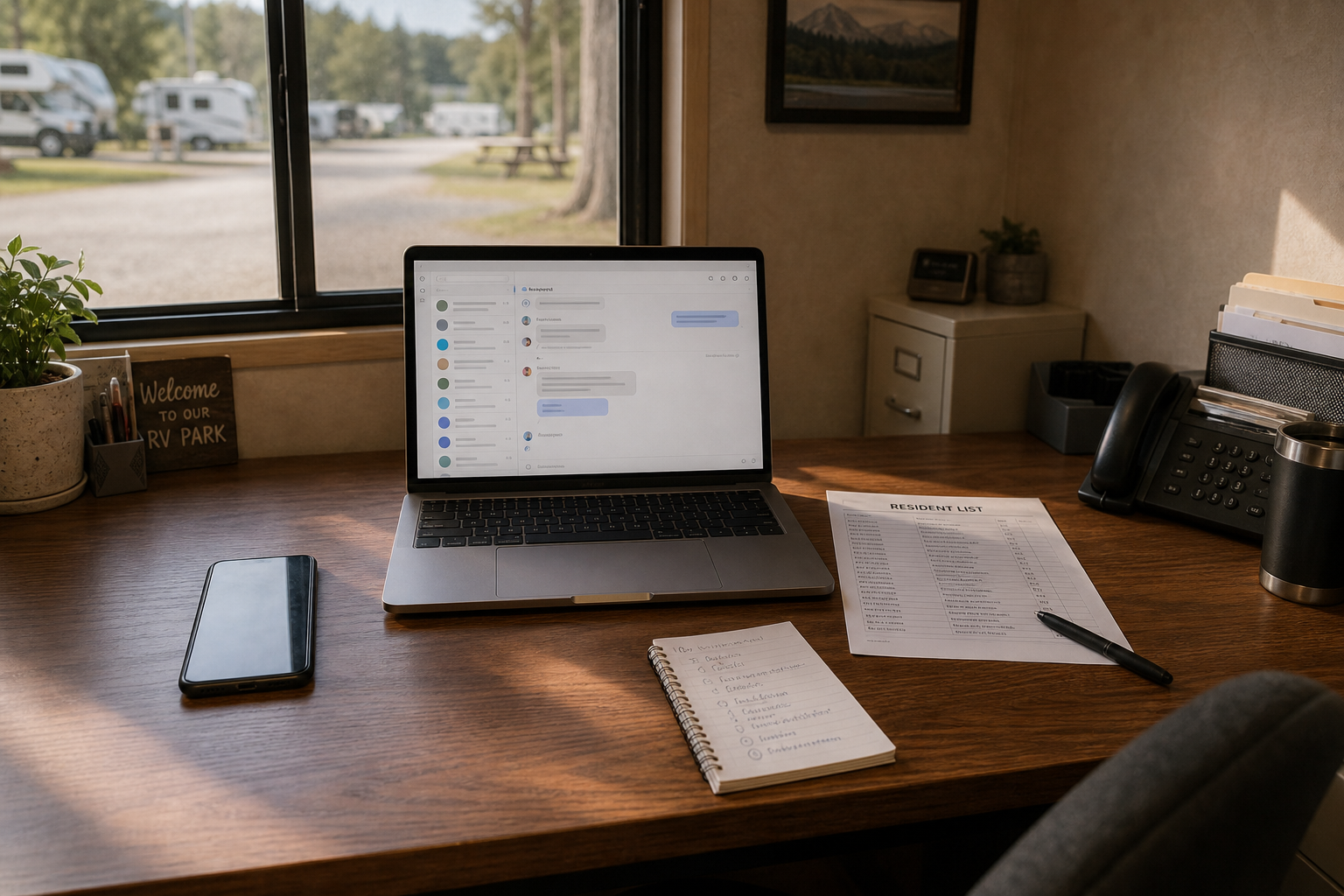
You are sitting at your desk on a Tuesday morning. A resident's rent is two days late. You send a quick text: "Hi, just checking in on your account. Let me know if you need anything." Meanwhile, you need to notify all forty residents about the water valve maintenance happening Friday morning. That needs details. What time, which zone, what to expect. That one goes out as an email with photos and a schedule.
Then the texts start rolling in: "ok will pay tomorrow," "what time Friday?" "do we need to do anything?" You are checking texts on your phone. The email replies are in your inbox. Your property manager took notes on some of the texts in a notebook. Half the replies you actually need are sitting unseen in your text app. The other half are scattered across email.
This is the real problem. It is not SMS versus email. It is that replies are scattered everywhere.
The Simple Rule That Actually Works
Here is what separates clean communication from chaos: Use SMS when you need speed and action. Use email when you need detail and record. Use both when the message is important enough that you want follow up from multiple angles.
SMS is immediate. It sits in the resident's pocket. A text about a rent reminder or an urgent maintenance issue gets attention within minutes. Email is thorough. It holds detail, attachments, and longer explanations. It sits in a record you can search later when you need to prove you told someone something.
The problem is not choosing one over the other. Most operators already use both. The problem is using both without a clean system for keeping track of what you said, what they replied, and when.
Where SMS Works Best
Text is your speed tool. Send SMS for:
SMS works because it is fast and because people expect texts to be brief. Keep texts short.
Where Email Works Best
Email is your documentation tool. Send email for:
Email works because residents expect length. They read email differently than text. They save it. They reference it.
When to Use Both SMS and Email Together
Some messages are important enough to deserve both channels:
A Practical Comparison by Use Case
| Message | SMS Best | Email Best | Use Both |
|---|---|---|---|
| Rent due tomorrow | Yes | No | |
| Late rent follow up | Yes | Yes | Better together |
| Water shutoff in 2 hours | Yes | Maybe | Yes |
| New house rule | No | Yes | Yes, if critical |
| Monthly newsletter | No | Yes | |
| Emergency notice | Yes | Maybe | Recommended |
| Maintenance will be 2 days | Yes | Yes | Use both |
| Move in instructions | No | Yes |
The Hidden Problem Most Operators Do Not Talk About
Many operators already use both SMS and email. But here is what happens in practice: You send a text from your phone. Your property manager sends email from Gmail. Residents reply in texts and also reply in emails. A few enterprising residents also message you on Facebook. Replies stack up in your text app, your email, and maybe a notebook you keep by the phone.
When you need to look back at the conversation with a resident about their rent or about maintenance they reported, you are hunting across three places. You forgot to write down half of what they said when you were talking to them on the phone anyway. Three months later, you need to prove you told them about a maintenance issue. You are searching through old emails and old text messages.
The real cost is not picking one channel. It is the scramble of managing both without any clean way to pull the conversation together. It is the time spent finding old messages. It is the resident saying "You never told me" when actually you texted it but they did not see it.
AcreRelay: Use Both Channels Without the Chaos
AcreRelay lets you send SMS and email together from one place. More importantly, it keeps your replies in one inbox.
Here is what that Tuesday morning looks like with AcreRelay. You send the rent reminder text. You also send the invoice by email with the payment link. The resident texts back: ok will pay Friday. That reply sits in the same conversation thread as the email reply. Three days later, when you need to check whether they confirmed, you open that resident record and see the full conversation. No notebook. No scrolling through old texts. No hunting through email.
Residents do not download anything. They text your number and reply to your emails the way they already do. You see it all in one place. Setup takes about ten minutes.
Rent payment links work in both text and email. Residents can click from either channel and pay. No confusion about which channel to use. No second trip to pay because they missed the text or did not open the email.
How This Is Different From Other Tools
Reservation software handles bookings and calendars. Full property management software does accounting, maintenance requests, leases, and tenant screening. That is a lot if you run a smaller long term park. Those tools try to do everything, which means none of it is exactly right for small operators.
Generic SMS tools send texts but do not fit the whole operator workflow. They are built for bulk SMS, not for resident conversation.
Group text apps turn one message into chaos with forty residents all replying to the same thread.
AcreRelay is focused on one job: help small operators reach residents by SMS and email from one place, keep the replies and records clean, and avoid making residents download an app to get the message. You send from your phone or computer. Residents reply however they normally would. You see it all in one place.
Start Your Free Trial Today
You can start a free trial today with up to 20 residents. Try SMS and email together. See what the cleaner workflow looks like before you pay anything. No credit card required.
Start Your Free TrialWant to see more first? Review how it works, pricing, about AcreRelay, and the SMS consent workflow.